

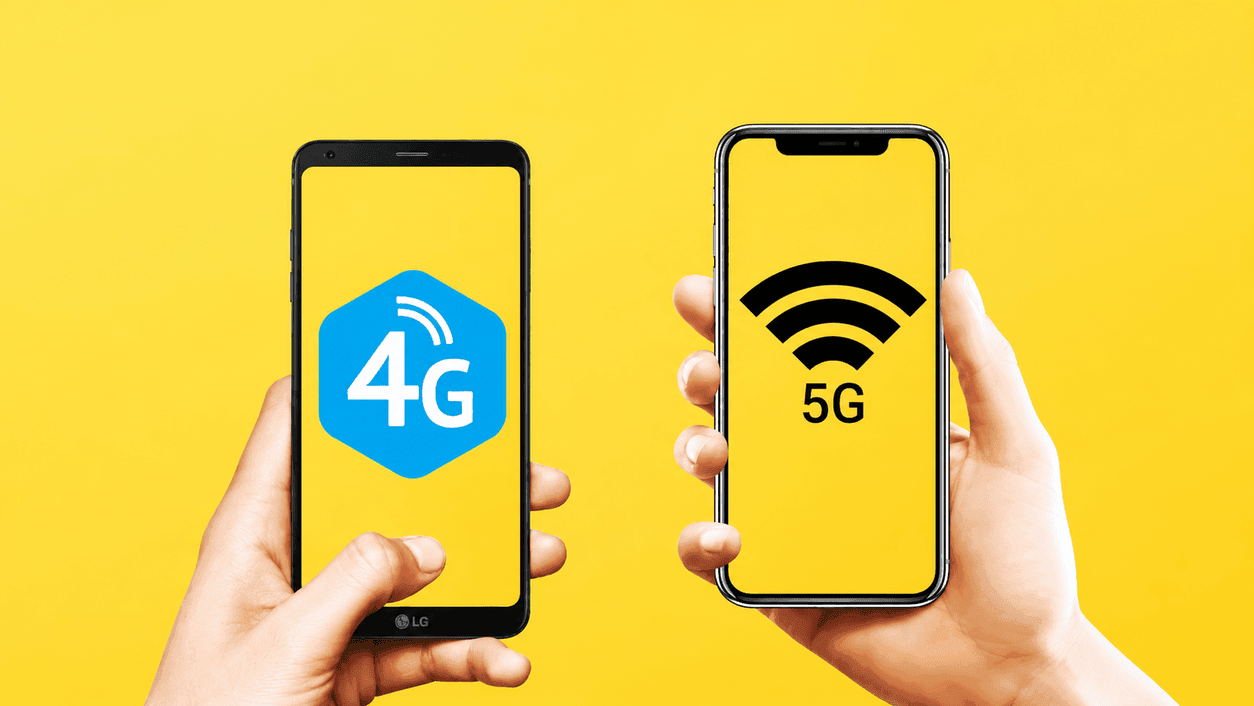
If you’ve ever been mid-call or mid-download and felt your phone stubbornly flip-flop between 4G and 5G — dropping your connection right in the process you already know how annoying that “smart” network switching can be. That’s the exact that 5G 4G Force LTE Mode by RK AppZia is trying to scratch.
What Is 4G to 5G Force LTE Mode?
At its core, this app is a network mode switcher. Normally, your phone’s preferred network settings are buried deep inside Android’s hidden menus, and most people never touch them. This app pulls that option to the surface, letting you manually lock your phone onto a specific network type — 5G, 4G/LTE, WCDMA, or GSM – instead of leaving it to your phone’s automatic (and sometimes flaky) switching logic.
The developer’s pitch is simple: give users a one-tap way to control network behavior that Android normally hides in its settings menu, plus a few handy diagnostic tools thrown in for good measure.
Key Features
Here’s what you actually get once you install it:
- One-tap network switching between 5G/4G LTE, WCDMA, and GSM/CDMA modes
- Detailed network diagnostics, including connectivity info, network capability details, link properties, and phone info
- VoLTE enabling on supported devices
- Built-in internet speed test, so you can check download and upload speeds without a separate app
- Speed test history, letting you track how your connection performs over time
- Live signal strength display
- A persistent home screen card showing real-time download and upload speeds
It’s worth noting the app is upfront about one limitation: 5G mode obviously only works if your phone’s hardware actually supports 5G. No app can conjure up hardware capability that isn’t there.
How to Use It
The setup is refreshingly straightforward:
- From the Google Play Store, Get 5G 4G Force LTE Mode (4G/5G) and Get it.
- Open the App and head to the Force LTE Mode setting.
- Tap “Open Settings” to access the network switch menu.
- Scroll down until you find “Set preferred network type.”
- Choose either “LTE Only” (for 4G) or “LTE/UMTS auto (PRL),” depending on what you’re trying to achieve.
No rooting required, which is a big plus for everyday users who don’t want to void warranties or mess with system-level permissions just to tweak a network setting.
Read More : How to Fix 5G Online Network Switching Issues & Get Stable Internet
What Real Users Are Saying
Reviews are a mixed bag, which is pretty normal for a niche utility app like this — but the patterns are telling.
On the positive side, several users report that switching to “LTE Only” mode solved persistent connection drops caused by their phone constantly toggling between 4G and 5G. One reviewer described struggling with the issue for days, getting nowhere with their carrier’s tech support, only to have this app fix it almost instantly.

On the negative side, the most common complaints are about ads. This is a free, ad-supported app, and some users feel the ad frequency is excessive. There’s also a functional gripe from dual-SIM users: the app currently applies network mode changes to both SIM cards at once rather than letting you target just one, which caused call issues for at least one reviewer.
Privacy and Data Safety
If data privacy is a concern (and it should be), this app scores reasonably well. According to its Google Play data safety disclosure, it doesn’t share data with third parties, doesn’t collect user data, and encrypts data in transit. For a tool that’s essentially free with ads, that’s a better privacy posture than a lot of comparable apps in the same category.
Pros and Cons
Pros:
- No root access needed
- Simple, one-tap interface
- Doubles as a speed test and network diagnostics tool
- No data collection or third-party sharing
- Genuinely solves the 4G/5G switching problem for some users
Cons:
- Ad-supported, and ad frequency bothers some users
- Can’t currently target a single SIM on dual-SIM devices
- Not guaranteed to work on every device, since some manufacturers restrict forced network switching
- 5G mode is limited by your phone’s actual hardware capability
Final Verdict
5G 4G Force LTE Mode isn’t going to reinvent your phone experience, but it doesn’t try to. It’s a focused, no-frills utility that solves a specific and genuinely common frustration: unstable connections caused by automatic network switching. For anyone who’s dealt with random connectivity drops as their phone hops between 4G and 5G, this app could be the fix your carrier’s support team couldn’t offer.

